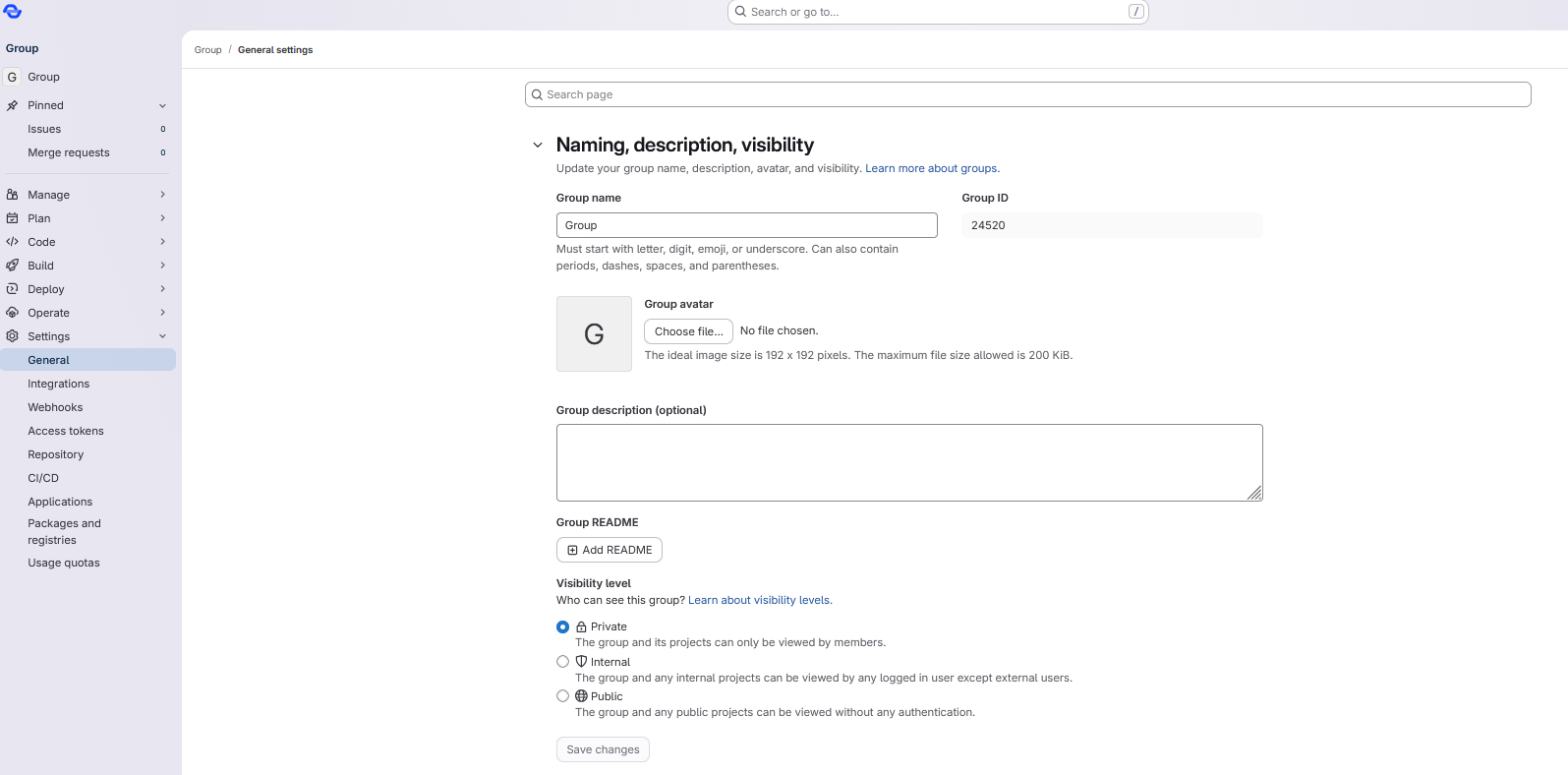
Groups help you bundle multiple projects under one organizational umbrella. This is ideal for teams, government agencies, or joint projects.
When is a group useful?
- When multiple people are working on multiple projects
- When rights need to be assigned collectively
- When a joint CI/CD setup is used
How to create a group
-
Log in at https://gitlab.opencode.de
-
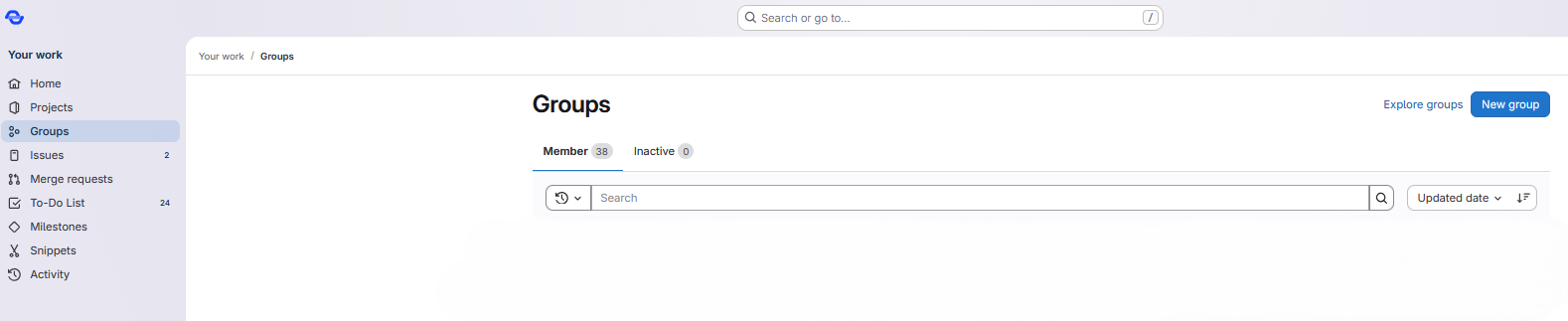
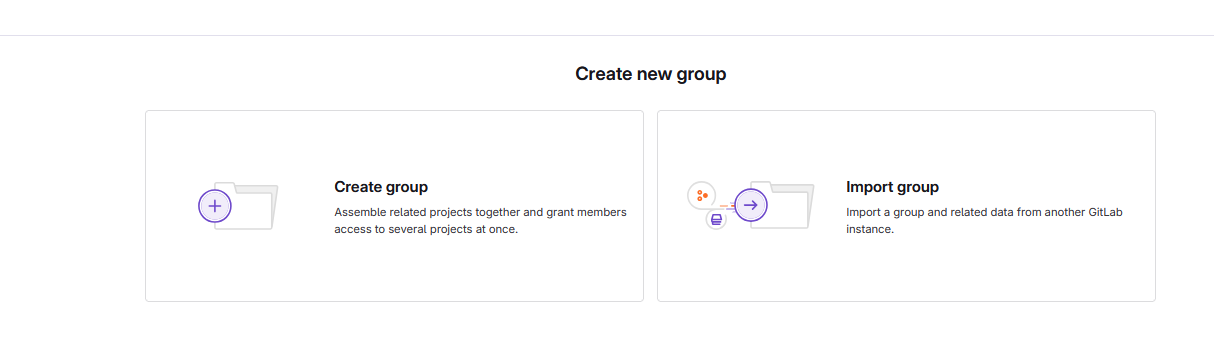
Select Groups > New Group from the menu
-
Enter: A group name (e.g., your organization), a description (see also Creating a README file), and a visibility (public, internal, private)
-
Click Create group
Manage members
- Open your group
- Click Members
- Enter email or username
- Select a role (optional: set an expiration date for the permission): Guest, Reporter, Developer, Maintainer, Owner
Adding a README file
It can be helpful to add a description of the content to groups.
Similar to projects, a README file can be added to a group for this purpose.
To do this, follow these steps:
- Open the group to which you want to add a
READMEfile. - Open the Settings > General tab in the left sidebar.
- Under the README for group heading, click the Add README button.